Shop — Project Board
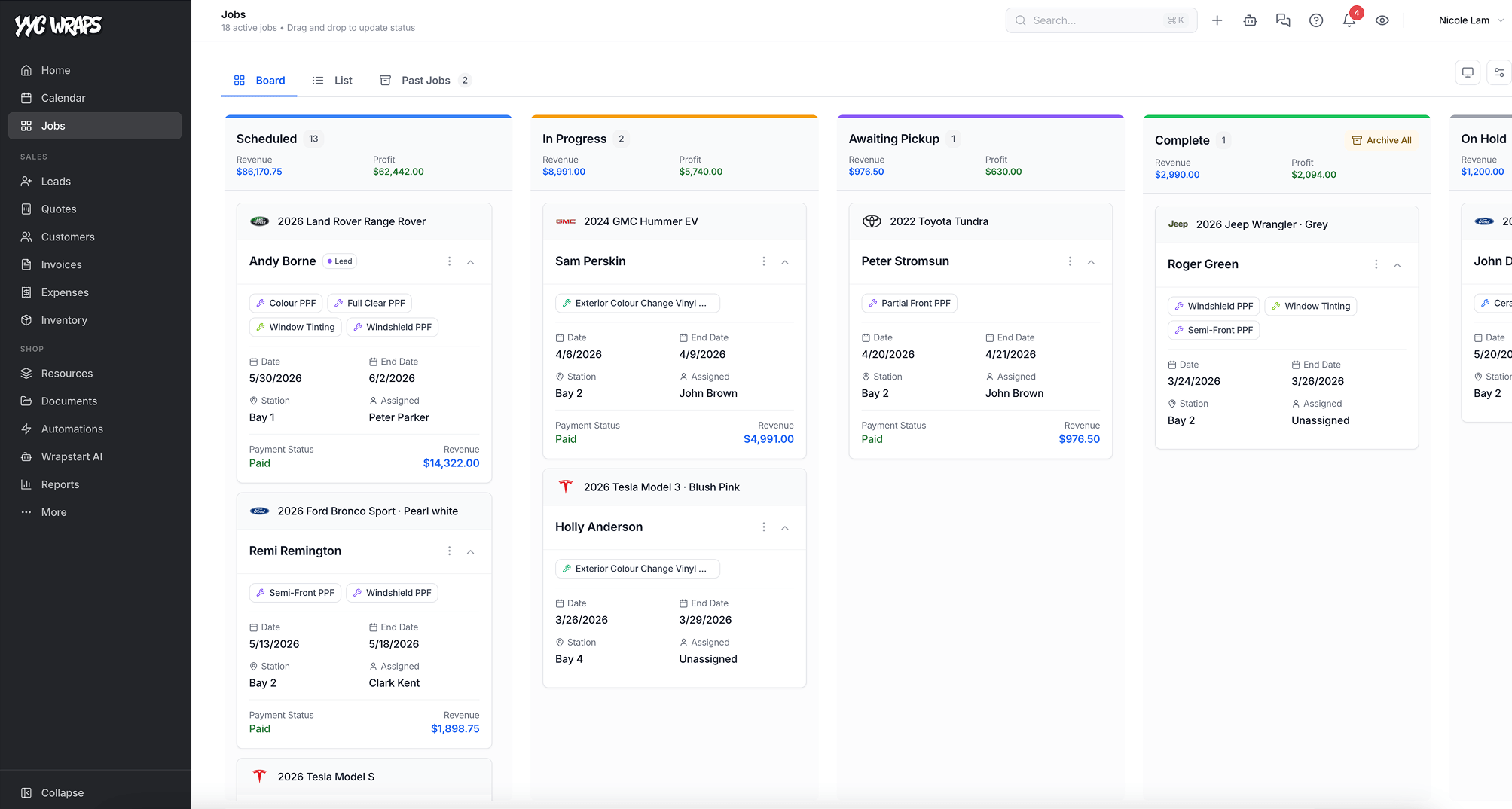
Every design job, from brief to print, on one board.
Which designs are waiting on the customer? Which are approved and ready to print? Which are running late? The Project Board answers all of it on one screen, with everything about each job one click away.
Project Board
7 cards on Design & proofing.
Design & proofing 7Production 0
Search cardsDeadline: Any Assigned to me
Brief2
Lettering
Plumbing van lettering
Rivera Plumbing · 2024 Ford Transit 250
Van lettering
Accepted$4,850.00
0/1 tasks
Due Dec 1KD
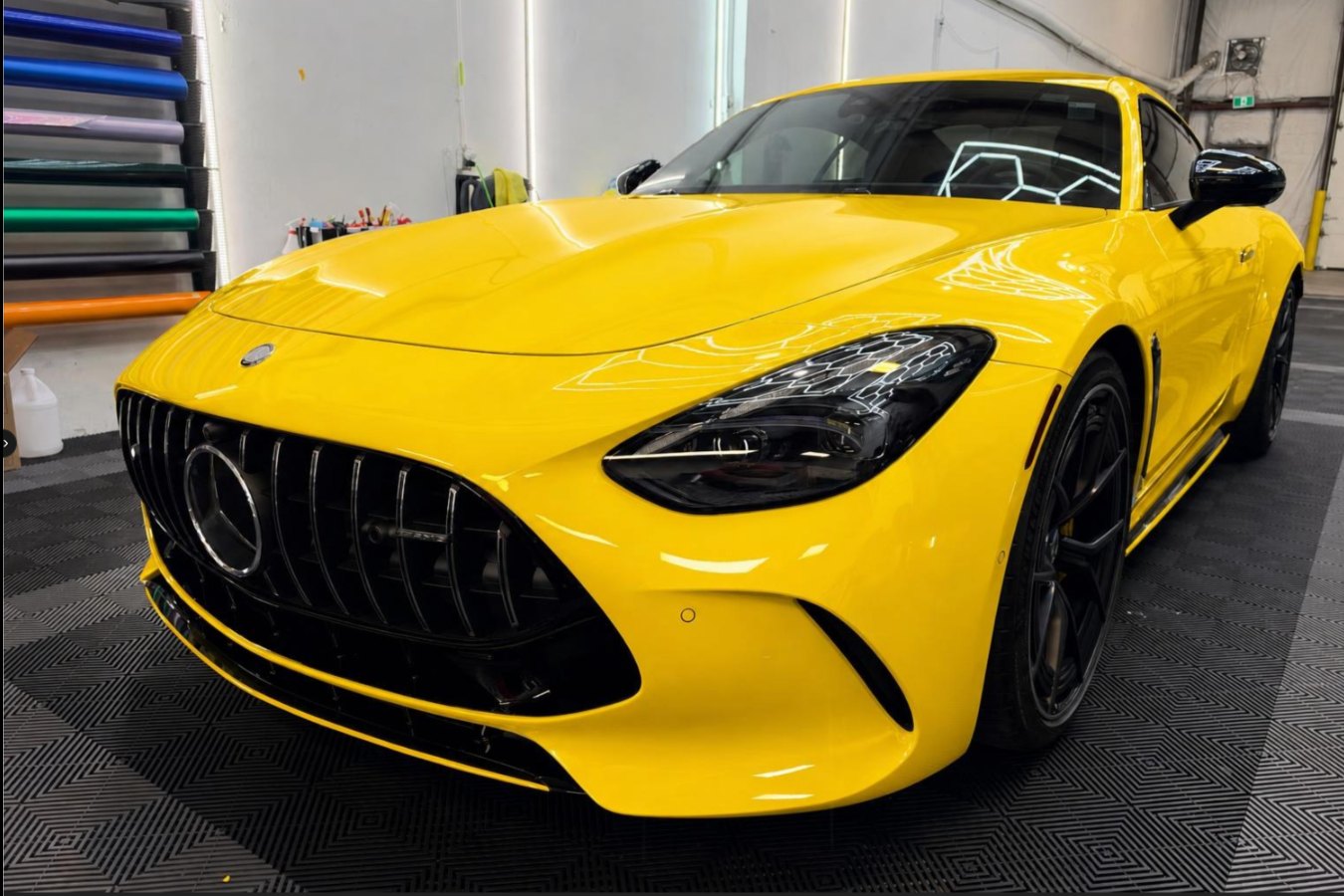
Full wrapRush
Food truck full print
Taco Loco · 2019 Freightliner MT45
Full print wrap
Sent$7,400.00
0/2 tasks
Due Nov 28AM
Design2
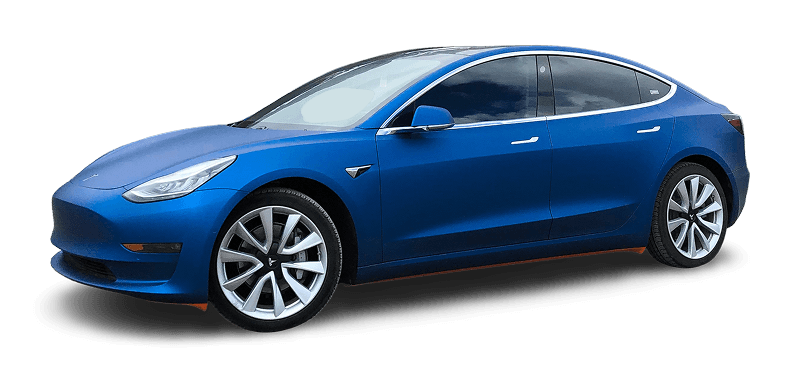
Partial wrapSatin
Hood and door graphics
Jordan Lee · 2025 Tesla Model Y
Satin graphics
Accepted$3,200.00
2/3 tasks3/3 tasks
Due Nov 24AMMS
Fleet
Fleet decals, 6 trucks
Northline Logistics
Overdue · Nov 185 days here
+ Add card
Proof sent1
Full wrap
Race livery concept
Priya Nair · 2023 Porsche 911 GT3
Race livery
Accepted$5,600.00
2/2 tasks
Due Nov 26KDMS
+ Add card
Approved1
Lettering
Gym logo, rear window
Peak Fitness · 2022 Ram ProMaster
Approved$1,150.00
+ Add card
Hood and door graphics
DesignOverviewCustomerTeam (3)FilesActivity
Labels
Partial wrapSatinProof waiting
Details
Satin black, both doors and hood. Logo from their website.
StageDesign
In this stage 2 days · target 3 days
DeadlineTue, Nov 24
CustomerJordan Lee
TeamAMAlex Morgan MSMarco Silva
Tasks 2/33/3
Confirm measurementsAlex
Pull logo from websiteAlex
Order satin black filmMarco