The car comes out of the bay looking incredible. The customer is walking around it filming. And then payment is… a text with a number in it. Nothing undercuts a professional install like billing that feels improvised. The invoice is the last thing a customer touches on the job — it either matches the quality of the work or it apologizes for it.
It's not about looking fancy. A real invoice is a clear paper trail: the deposit accounted for, tax itemized, a record the customer can keep for warranty or insurance — and one you can hand your bookkeeper without a story attached.
The anatomy of a professional invoice
- Your identity. Logo, shop name, contact details, invoice number and date. The number matters — "Invoice #0847" reads like a business; a bare total reads like a favor.
- Customer and vehicle. Year, make, model. Service records are tied to cars, not just names — it's what makes the paperwork useful later.
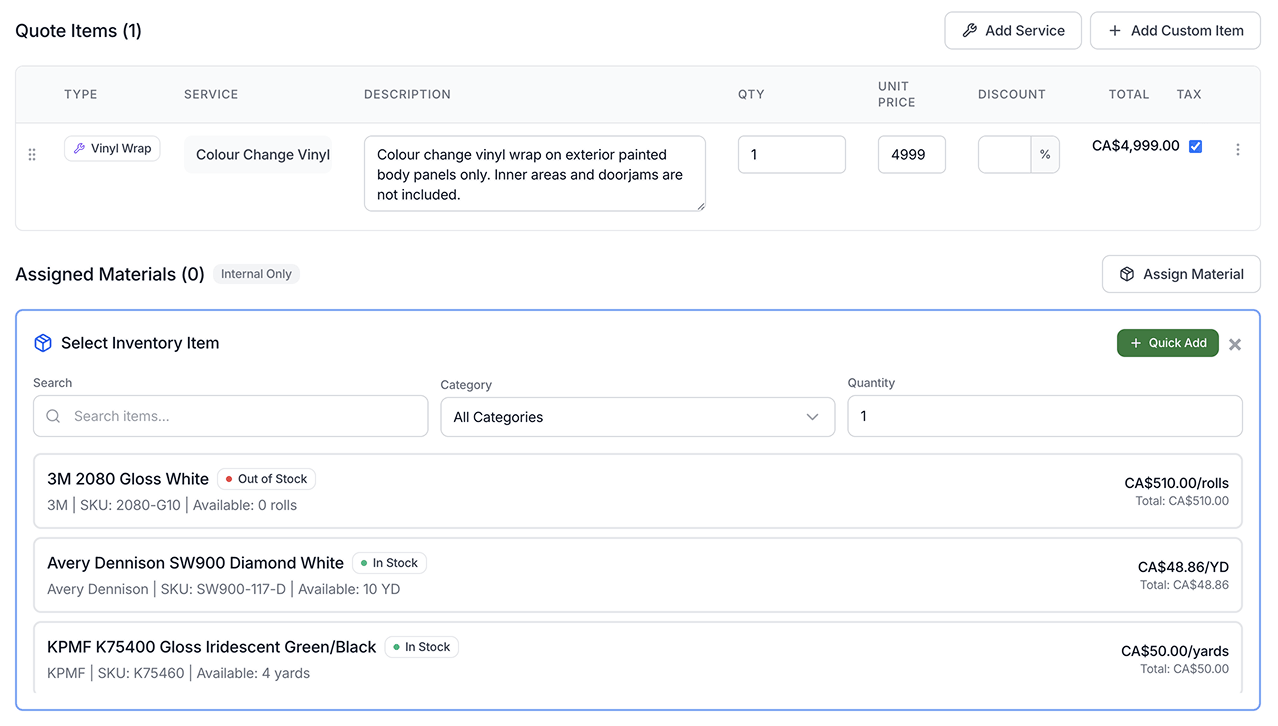
- Line items that match the work. Wrap by coverage or panel, PPF by package, tint by window set, detail add-ons listed. One mystery line invites questions; itemized work invites payment.
- The money math. Subtotal, discount, tax, the deposit already paid, and the balance actually due.
- Terms and care. When payment is due, how to pay, and the care instructions or warranty note that saves a phone call next week.
An itemized invoice answers questions before they're asked.
Build one in two minutes — free
The free invoice generator is built for this exact trade: preset line items for wrap, PPF, tint and detail work, your logo and brand color, tax, discount and deposit handled, then download as a PDF or print. No signup, no watermark.
Invoices that look like your shop.
Wrap, PPF, tint and detail presets, your logo, deposits and tax done right — a clean PDF in minutes.
Open the generator →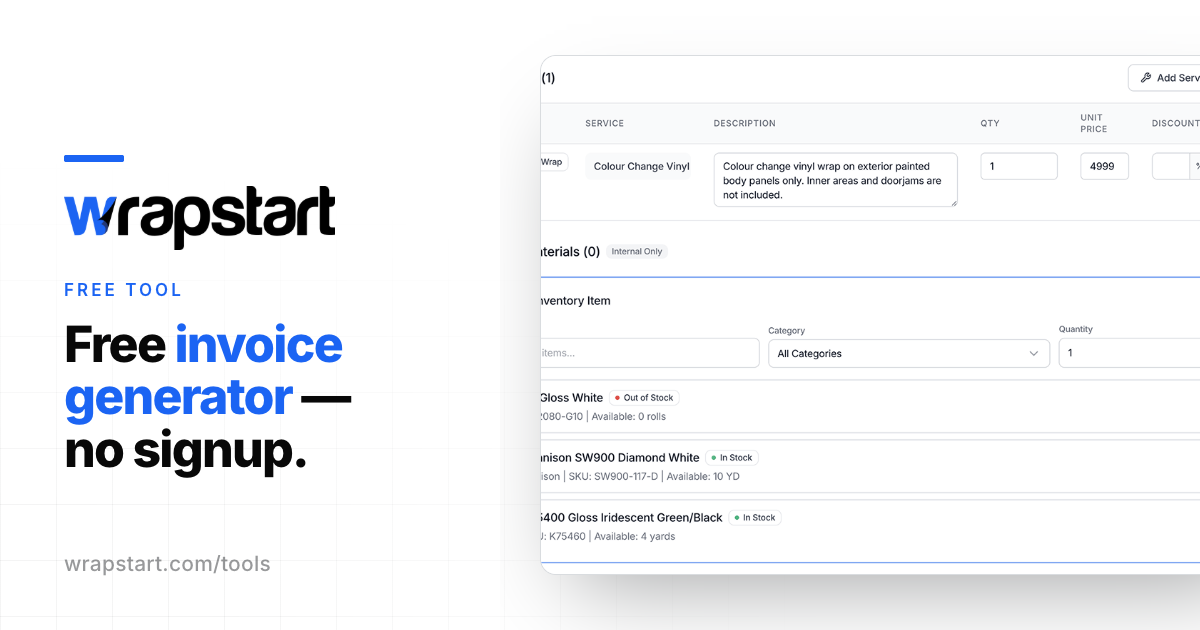
When you're done making them by hand
Inside Wrapstart, this stops being a chore entirely: quotes become invoices without retyping, deposits are collected on the spot through Stripe or Square, and everything reconciles back to QuickBooks. See Quotes & InvoicingInteractive Proposals.